Build Reusable Bandwidth Schedules with Templates
Save, edit and manage reusable bandwidth schedules by weekday, time and tier. · 1:33
Want to see this with your own circuits?
Request a demoUp next →
Apptifi Product Tour: Getting Around the App
2:42
Transcript
Templates let you save a bandwidth schedule you use again and again, like business hours or a weekly backup, so you don't have to remember the details every time. Each saved template shows its name, the day it applies to, its start and end time, and its bandwidth. The bandwidth is colour-coded the same way as on the Calendar. A template can apply to a specific weekday, such as every Friday, or to any day.
The time range is the part of the day the higher bandwidth should cover. To add one, click the New Template button in the top corner. A short form opens with everything you need. Give it a name that describes the schedule, then choose the day of the week, or leave it on Any day.
Set the start and end times, then enter the bandwidth in megabits per second. Apptifi shows the tier underneath, so 1000 reads as 1G. Click Create Template, and your new template is added to the list, alongside the others. Use the pencil icon to change a template, and the trash icon to delete it.
You'll be asked to confirm before anything is removed. Each row also has an Apply to Event button. On this screen it stays greyed out, with a hint to select an event first. That's Templates: a library of your standard schedules, ready whenever you need them.
That completes the Foundations lessons. Next, we'll move on to pricing out your schedule.
More for getting started
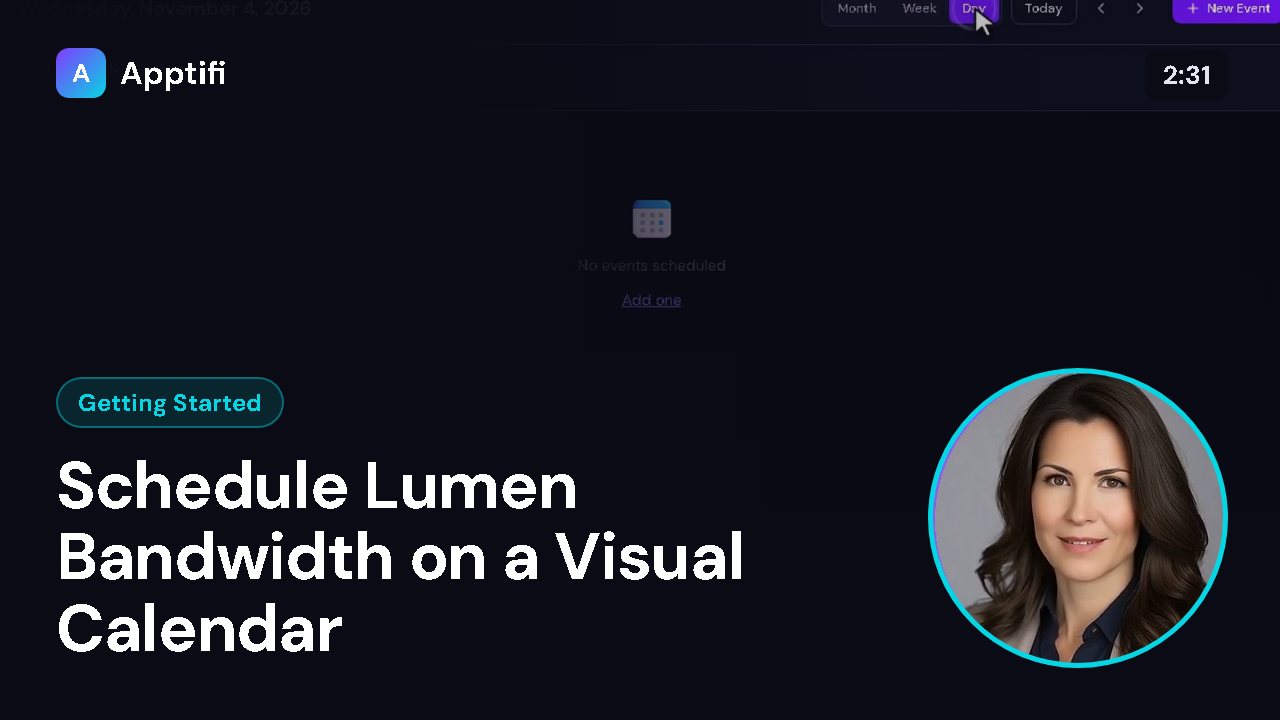
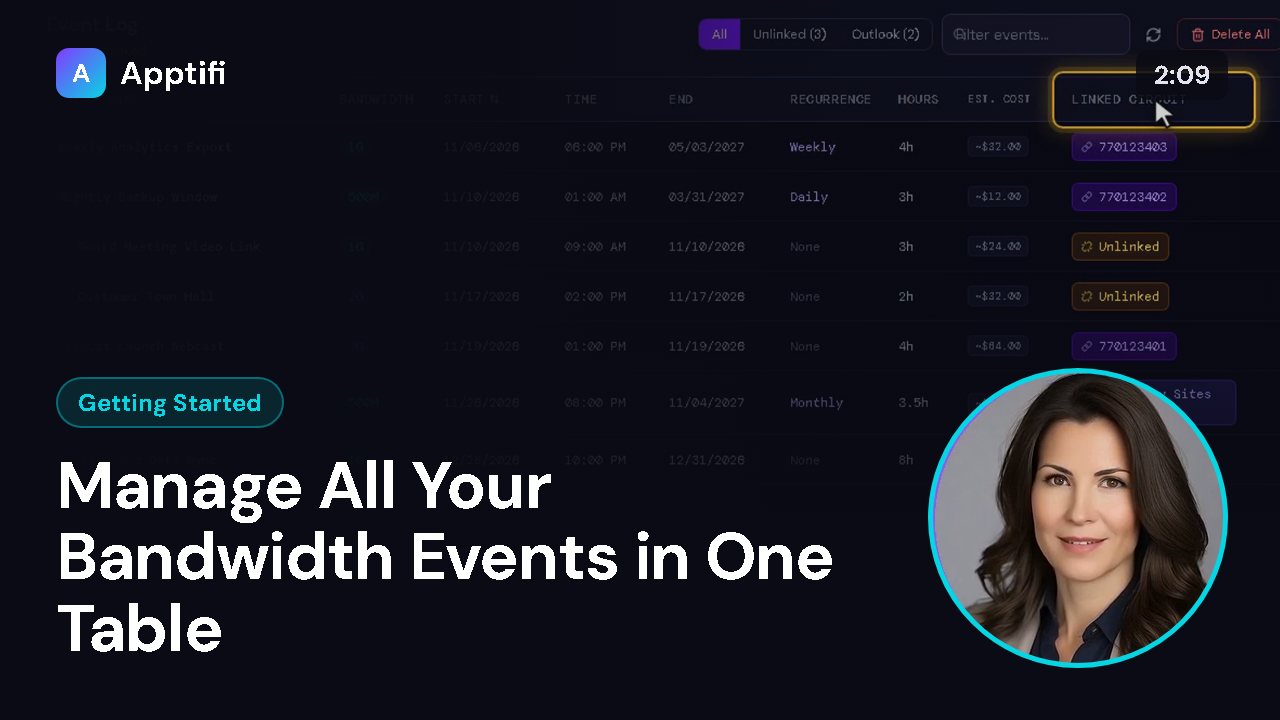
These videos use an AI-generated presenter and voice. They were recorded in Apptifi using fictional demo data. Lumen®, Lumen Defender℠ and Internet On-Demand are trademarks or service marks of Lumen Technologies. Apptifi is an independent product and is not affiliated with, endorsed by, or sponsored by Lumen Technologies.