See how Apptifi works
28 short videos on scheduling Lumen bandwidth, managing services and checking your bills. No sign-up needed.
Start here: see Apptifi in 8 minutes
Tour the app, see what a schedule costs, and place an order.
Getting Started
The basics of scheduling Lumen bandwidth in Apptifi.
Network Teams
Ordering, tracking and managing Lumen services day to day.
See What a Lumen IoD Schedule Will Cost
2:08
How to Order Lumen Internet on Demand in Apptifi
3:21
Manage Your Active Lumen Circuits (Inventory, Part 1)
3:05
Track Ports and Orders in Progress (Inventory, Part 2)
2:47
Apply One Schedule to Many Sites with Circuit Groups
1:21
Pause Bandwidth Changes with Blackout Windows
1:38
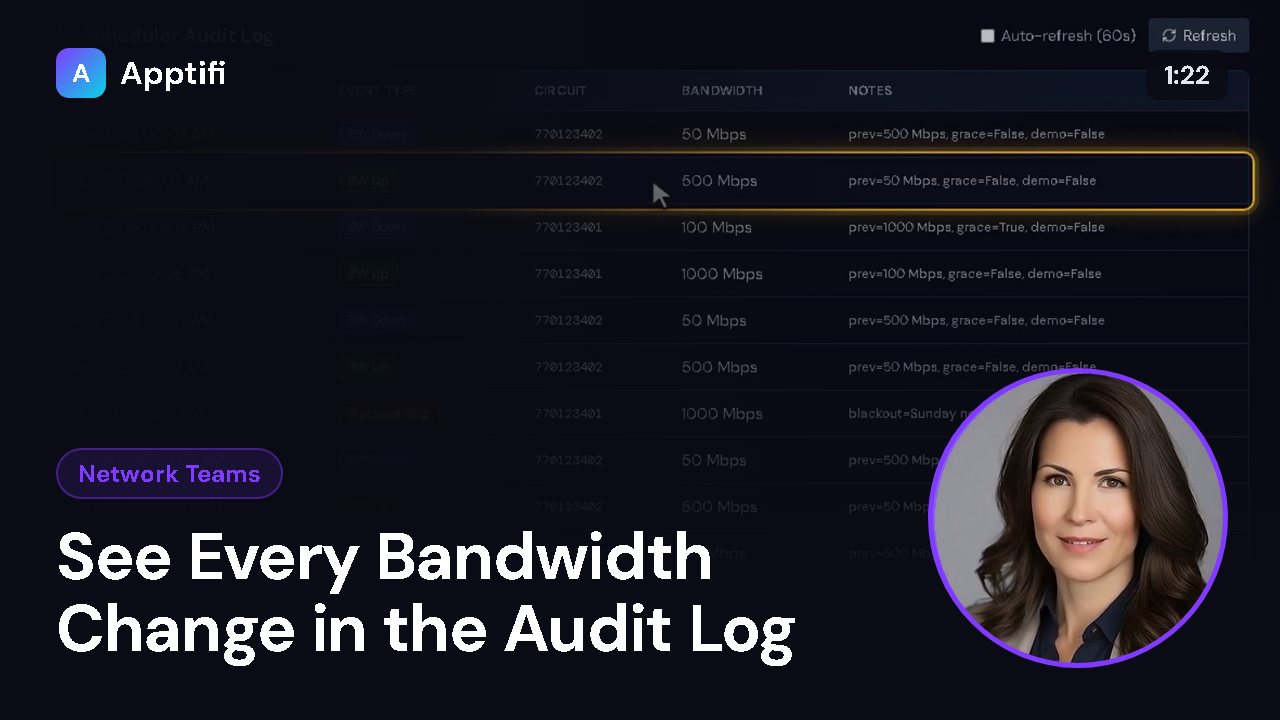
See Every Bandwidth Change in the Audit Log
1:22
Track Estimated Weekly Spend and Savings
1:32
Bandwidth Usage Reports by Circuit
1:41
Create and Manage Lumen Ethernet on Demand EVCs
3:49
Check Your Lumen and Microsoft 365 Connections
2:04
Manage Lumen Defender Plus Threats and Blocking Rules
2:53
A Tour of Apptifi Settings
2:59
Finance Teams
Expense Management: audit, invoices, contracts, recovery and reporting.
What Finance Teams See in Apptifi
2:39
A One-Page Monthly Summary of Lumen Spend
3:13
See Every Lumen Service, Its Billing and History
2:44
Review Lumen Invoices Down to Every Charge Line
1:53
Lumen Spend Reports with CSV and Scheduled Email
2:14
Find Lumen Billing Problems with Audit Rules
2:22
Recover Money with Disputes, Savings and SLA Credits
2:31
Track Contract Terms, Notice Dates and Renewals
2:10

Set Up Cost Centers, Rebill, Budgets and GL Export
2:41
Team Admins
Users, access and settings for the people who run Apptifi.
These videos use an AI-generated presenter and voice. They were recorded in Apptifi using fictional demo data. Lumen®, Lumen Defender℠ and Internet On-Demand are trademarks or service marks of Lumen Technologies. Apptifi is an independent product and is not affiliated with, endorsed by, or sponsored by Lumen Technologies.