What Finance Teams See in Apptifi
What a finance user sees in Apptifi: Expense Management, Costs and Reports, and how to move around. · 2:39
Check Lumen bills against what you ordered and agreed to pay.
See Expense ManagementUp next →
A One-Page Monthly Summary of Lumen Spend
3:13
Transcript
Welcome to Apptifi. As a finance user, your workspace is built around telecom spend. On the left you have three tabs: Expense Management, Costs, and Reports. The operational tabs, like ordering and scheduling, are hidden for your role, so everything you see here is about money.
You start in Expense Management. The line under the title shows when your Lumen service inventory was last synced, and how many rows were added, changed, or removed in that sync. The refresh button on the right reloads everything on the page. Across the top is a quick snapshot of your inventory: services, service IDs, billing accounts, sites, and products, plus your total bandwidth.
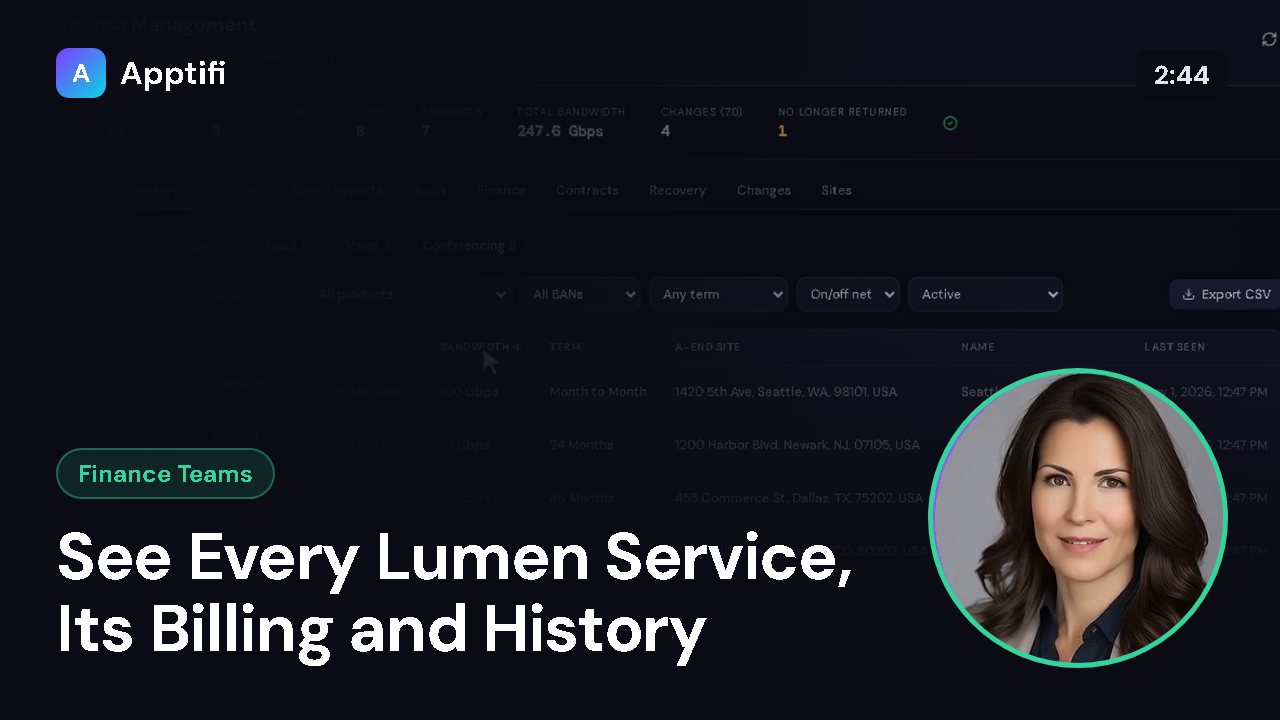
It also counts changes in the last seven days and services Lumen no longer returns, so anything unexpected stands out right away. Below that are the Expense Management areas, and each one has its own lesson. Executive is a one-page summary of your spend. Inventory lists every Lumen service on your accounts.
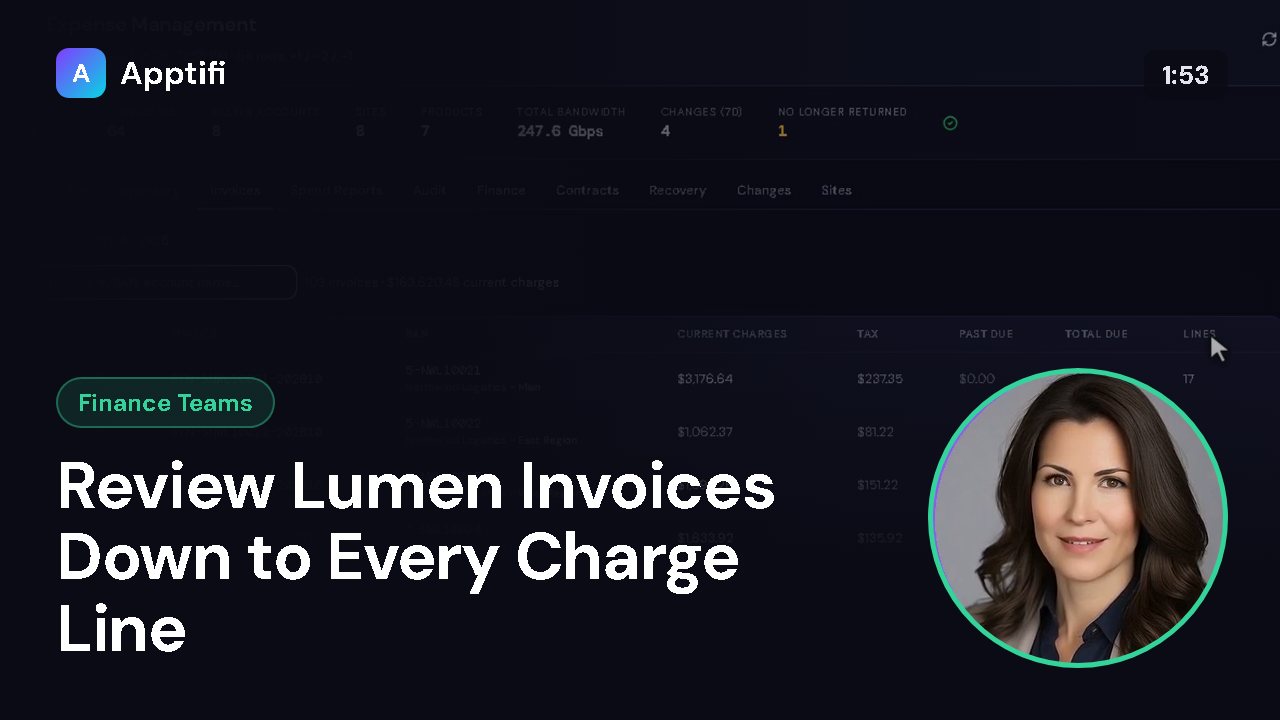
Invoices holds your bills, and Spend Reports is a library of ready-made reports. Audit flags billing problems for review. Finance is where you set up cost centers, allocations, budgets, and exports to your general ledger. Contracts tracks terms and notice dates.
Recovery follows disputes, savings, and SLA credits. Changes is the history of inventory changes, and Sites lists your locations. Now the Costs tab. Spend History estimates your on-demand bandwidth costs week by week for the last eight weeks, with total spend, savings, and your savings rate across the top.
Savings here means the difference between keeping maximum bandwidth on all the time and scheduling it only when you need it. The Reports tab is the Usage Report. Pick a period of seven, thirty, or ninety days to see bandwidth events, hours at higher bandwidth, and estimated cost, with a breakdown by circuit below. Export CSV downloads the same figures for a spreadsheet, and Export iCal saves the bandwidth events as calendar entries.
At the bottom left you'll find the account you're signed in with, a sign out button, a switch between dark and light mode, and a list of keyboard shortcuts. That's your finance workspace: Expense Management for the full picture, Costs for weekly on-demand spend, and Reports for usage detail. Next, we'll open the Executive summary.
More for finance teams
These videos use an AI-generated presenter and voice. They were recorded in Apptifi using fictional demo data. Lumen®, Lumen Defender℠ and Internet On-Demand are trademarks or service marks of Lumen Technologies. Apptifi is an independent product and is not affiliated with, endorsed by, or sponsored by Lumen Technologies.